💻 Introduction to Computer Hardware
Computer hardware
The term Computer Hardware refers to the physical, tangible components of a computer system that you can see and touch. Unlike software (the programs and data), hardware provides the electronic and mechanical foundation necessary for computing.
All hardware components work together to fulfill the four fundamental functions of a computer system: Input, Processing, Storage, and Output (IPSO).
🧠 Core Hardware Functions
| Function | Description | Primary Components Involved |
| Input | Captures raw data and user commands and translates them into signals the computer can understand. | Keyboard, Mouse, Scanner, Webcam, Microphone. |
| Processing | Interprets instructions, performs calculations, and manages the flow of data between all other components. | CPU (Central Processing Unit) and Motherboard. |
| Storage | Retains digital data and programs for both short-term active use and long-term permanent keeping. | RAM (Short-term), SSD/HDD (Long-term). |
| Output | Displays or presents the processed information back to the user in a usable format. | Monitor, Printer, Speakers. |
🔧 Essential Internal Components
These are the crucial components housed within the computer case that enable processing:
-
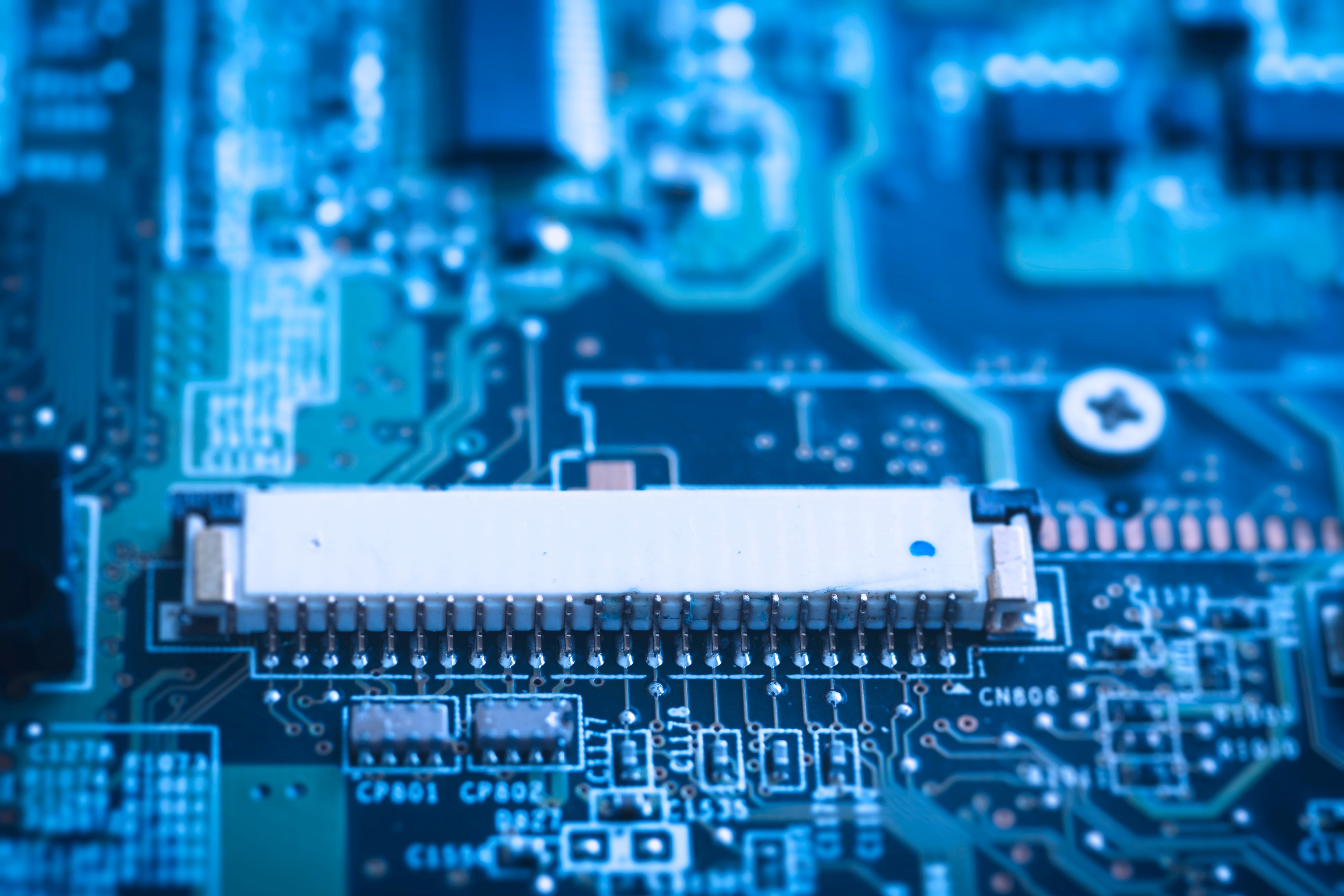
Motherboard: The main circuit board that serves as the central nervous system, connecting every other component and allowing them to communicate. It holds the CPU and RAM slots.
-
Central Processing Unit (CPU): The "brain" of the computer. It executes instructions and processes data at speeds measured in Gigahertz (GHz).
-
Random Access Memory (RAM): The temporary, volatile memory used for short-term data storage while the computer is running. It allows the CPU fast access to active programs and data.
-
Storage Drive (HDD/SSD): Provides permanent, non-volatile storage for the Operating System, applications, and user files. Solid-State Drives (SSDs) are typically faster than traditional Hard Disk Drives (HDDs).
-
Power Supply Unit (PSU): Converts the AC power from the wall outlet into the low-voltage DC power required by the computer's internal components.
-
Graphics Processing Unit (GPU): A dedicated processor, often on an expansion card, specialized in rendering images, animations, and video for display on the monitor.
- Teacher: ABDULAI IBRAHIM ACHIRIGA